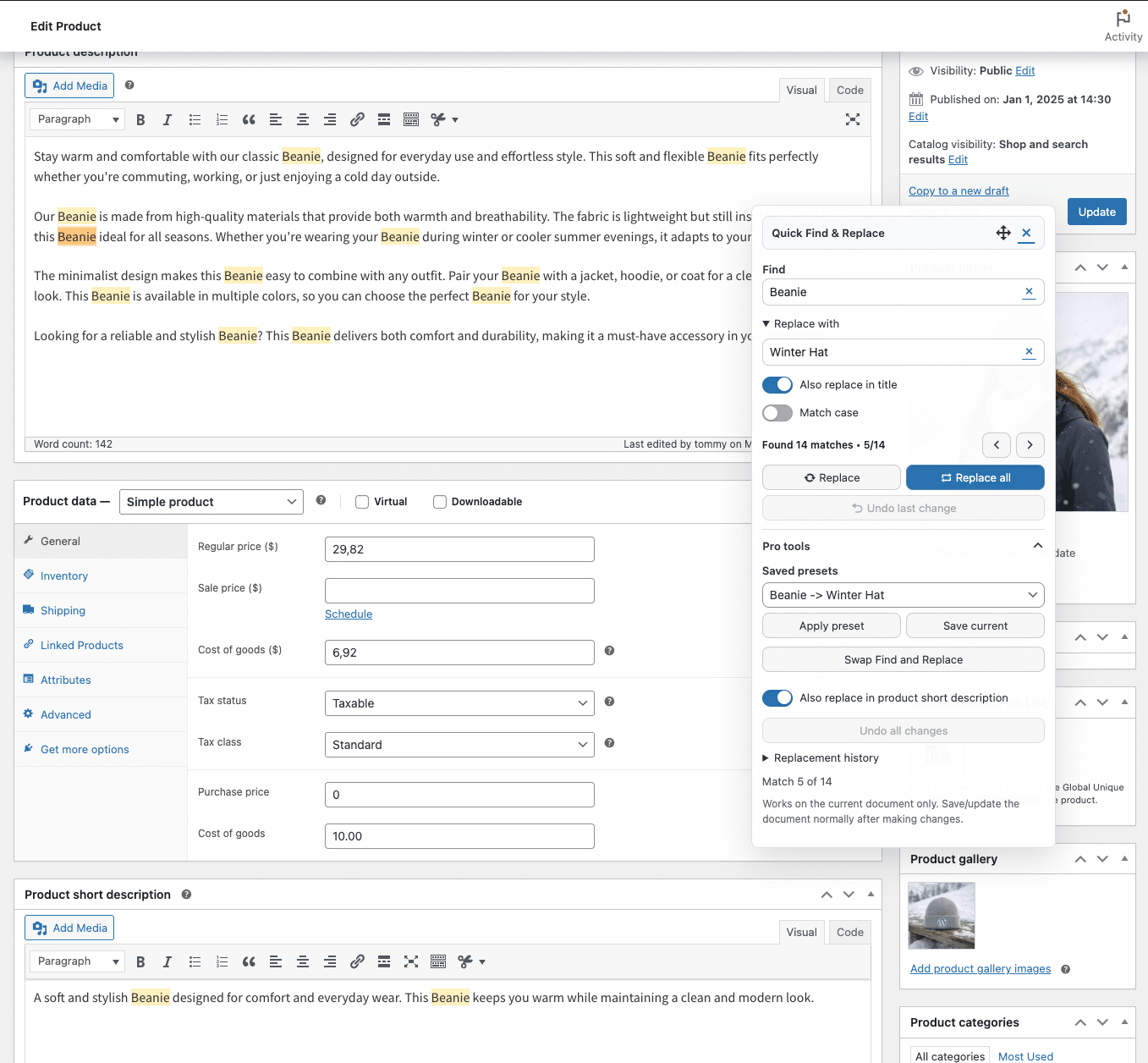
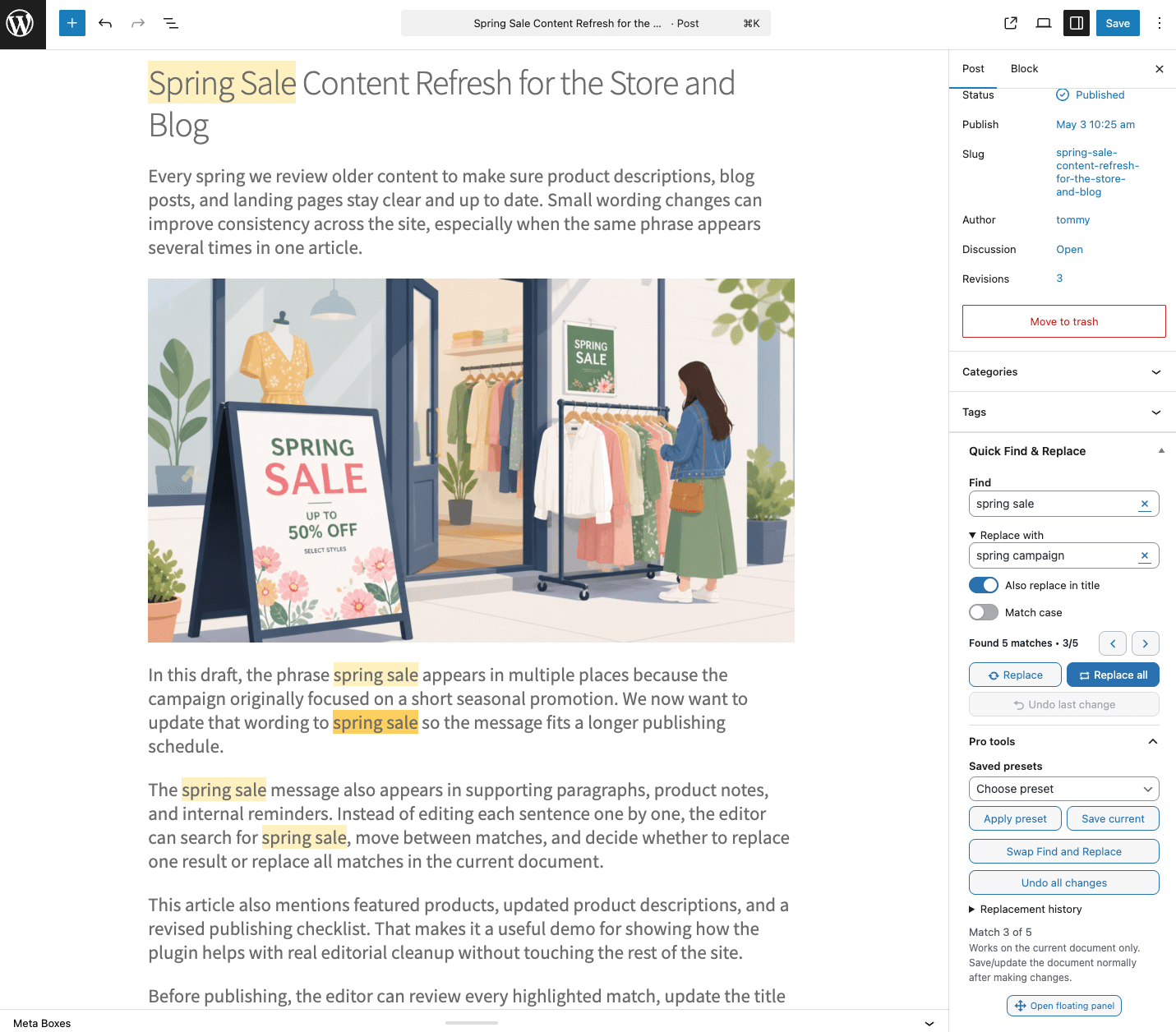
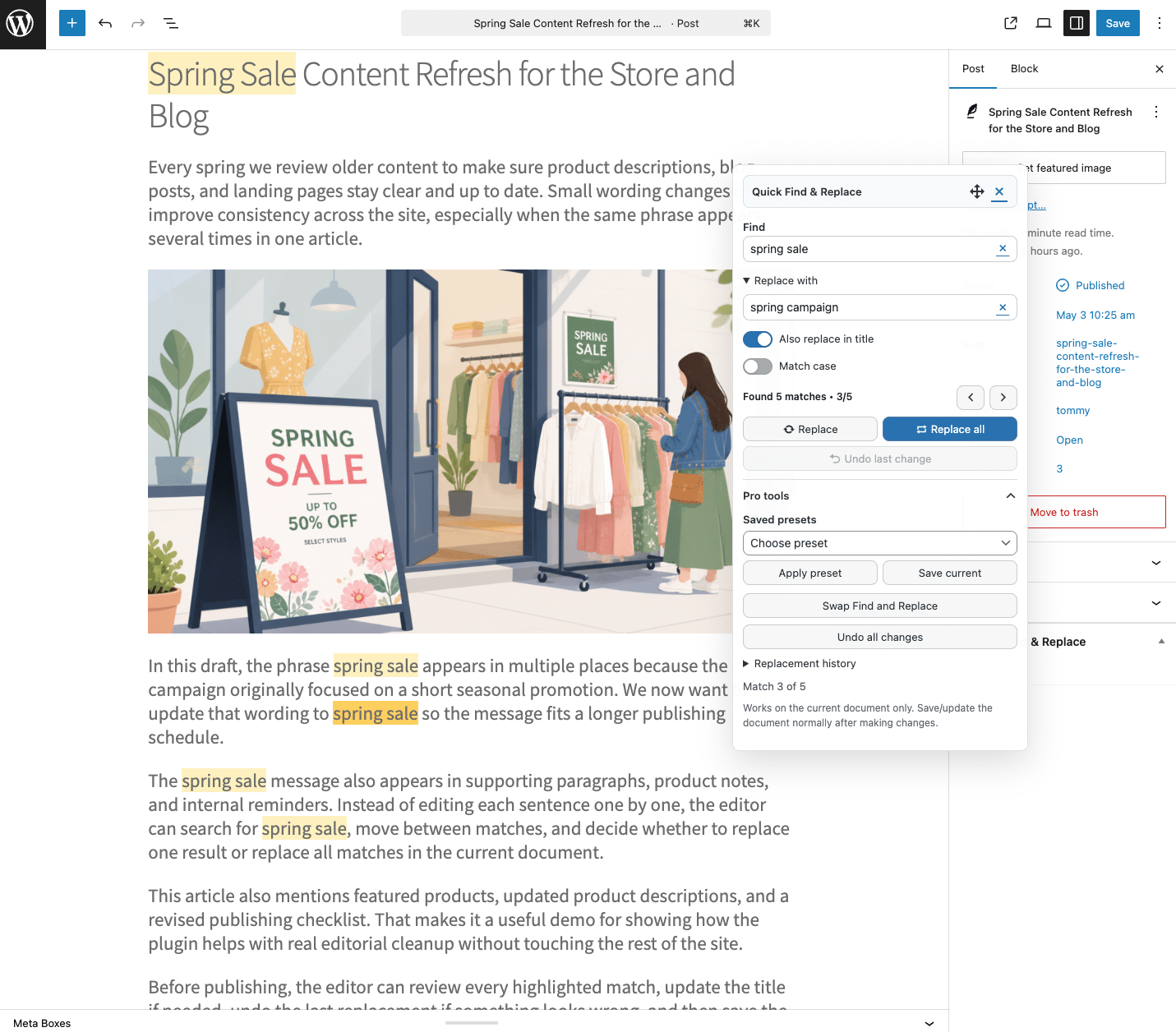
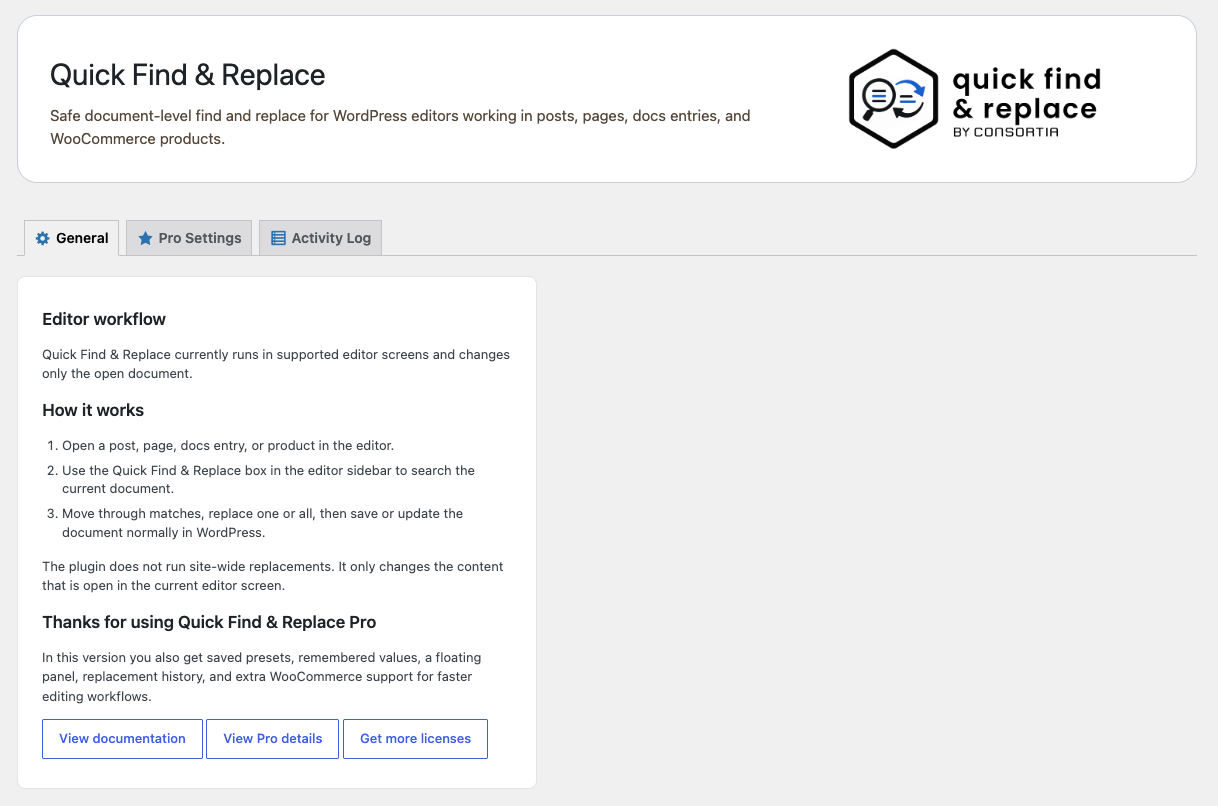
Quick Find & Replace lets you find, highlight, and replace text without leaving the WordPress editor. Instead of running risky site-wide replacements, you work directly in the content you already have open. This makes it a safe and efficient tool for content cleanup, campaign updates, product edits, and everyday editorial work.
What you can do
Find repeated words or phrases in the current document
Highlight matches while reviewing content
Navigate matches with Previous / Next
Replace a single match or all matches in the document
Optionally include the title in replacements
Undo changes before saving
Why it matters
If you update content regularly, small changes add up. Fixing the same phrase multiple times on a page is slow and error-prone. Quick Find & Replace gives you a focused workflow inside the editor, so you can make changes faster — without affecting the rest of your site.
Upgrade to Pro — built for faster workflows
Quick Find & Replace Pro is designed for users who work with content regularly and need more speed, control, and flexibility.
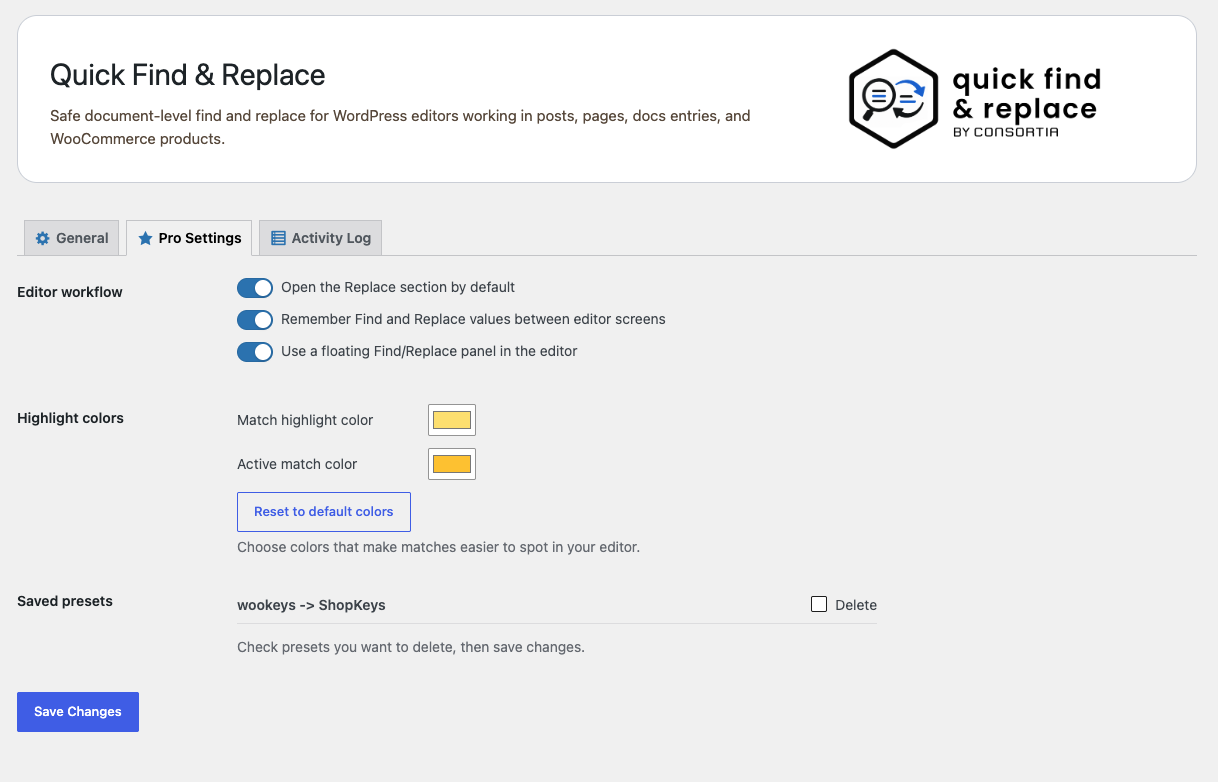
Save and reuse common find & replace tasks
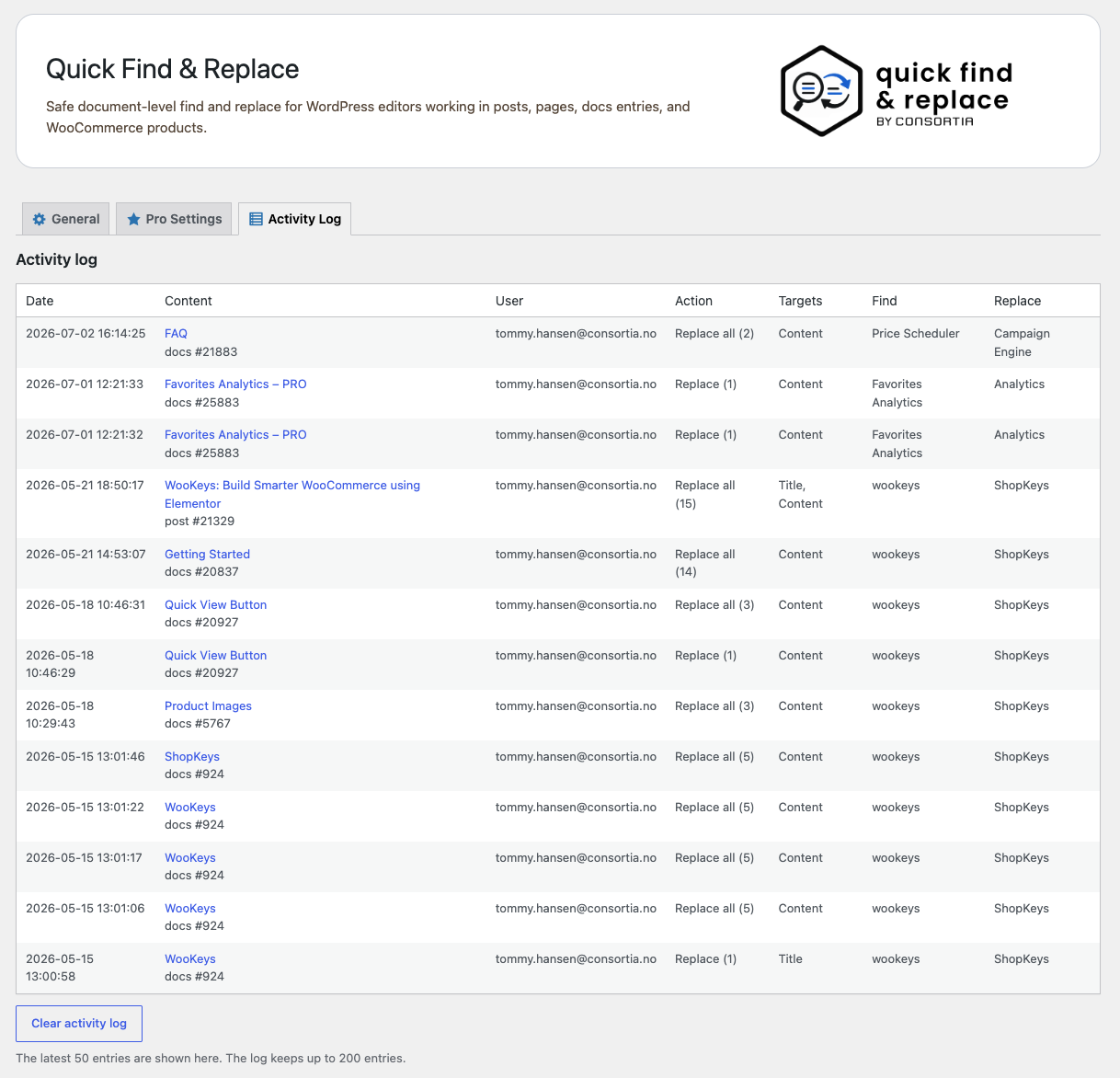
Keep track of changes with history
Undo everything in your current session
Work faster with a floating panel
Keep your workflow with remembered values
Extended WooCommerce field support
Turn repetitive edits into a fast, reliable workflow.
Free vs Pro
Feature
Free
Pro
Find & highlight text
✔
✔
Navigate matches (Prev / Next)
✔
✔
Replace one or all matches
✔
✔
Replace in title
✔
✔
Undo last change
✔
✔
Save and reuse presets
—
✔
Replacement history (see what changed)
—
✔
Undo full session
—
✔
Remembered values (no retyping)
—
✔
Floating panel workflow
—
✔
Extended WooCommerce support
—
✔
Pro is ideal if you perform find & replace tasks regularly or work with WooCommerce content.
Choose the plan that fits your workflow
Start with the free version, or upgrade to Pro if you regularly perform find & replace tasks and want a faster, more efficient editing workflow.
FREE
Quick Find & Replace
$
0 FREE
Unlimited
WordPress.org only
Regular updates
Single Site
Quick Find & Replace Pro
$
29 1 Site | 1 Year
1 site
Normal Support
Features ++
Regular updates
Money-Back Guarantee
5 Sites
Quick Find & Replace Pro
$
69 5 Sites | 1 Year
Up to 5 sites
Normal Support
Features ++
Regular updates
Money-Back Guarantee
Popular
50 Sites
Quick Find & Replace Pro
$
199 50 Sites | 1 Year
Up to 50 sites
Priority Support
Features ++
Regular updates
Money-Back Guarantee
Try Pro free for 7 days
Use Quick Find & Replace Pro on your own site before paying. No credit card required. Test presets, replacement history, undo all, the floating panel, and extra WooCommerce support in your real editing workflow.
Pro adds workflow features such as saved presets, replacement history, undo-all for the current session, remembered values, floating panel support, and more advanced WooCommerce-related editing help.
Manage Consent
To provide the best experiences, we use technologies like cookies to store and/or access device information. Consenting to these technologies will allow us to process data such as browsing behavior or unique IDs on this site. Not consenting or withdrawing consent, may adversely affect certain features and functions.
Functional
Always active
The technical storage or access is strictly necessary for the legitimate purpose of enabling the use of a specific service explicitly requested by the subscriber or user, or for the sole purpose of carrying out the transmission of a communication over an electronic communications network.
Preferences
The technical storage or access is necessary for the legitimate purpose of storing preferences that are not requested by the subscriber or user.
Statistics
The technical storage or access that is used exclusively for statistical purposes.The technical storage or access that is used exclusively for anonymous statistical purposes. Without a subpoena, voluntary compliance on the part of your Internet Service Provider, or additional records from a third party, information stored or retrieved for this purpose alone cannot usually be used to identify you.
Marketing
The technical storage or access is required to create user profiles to send advertising, or to track the user on a website or across several websites for similar marketing purposes.