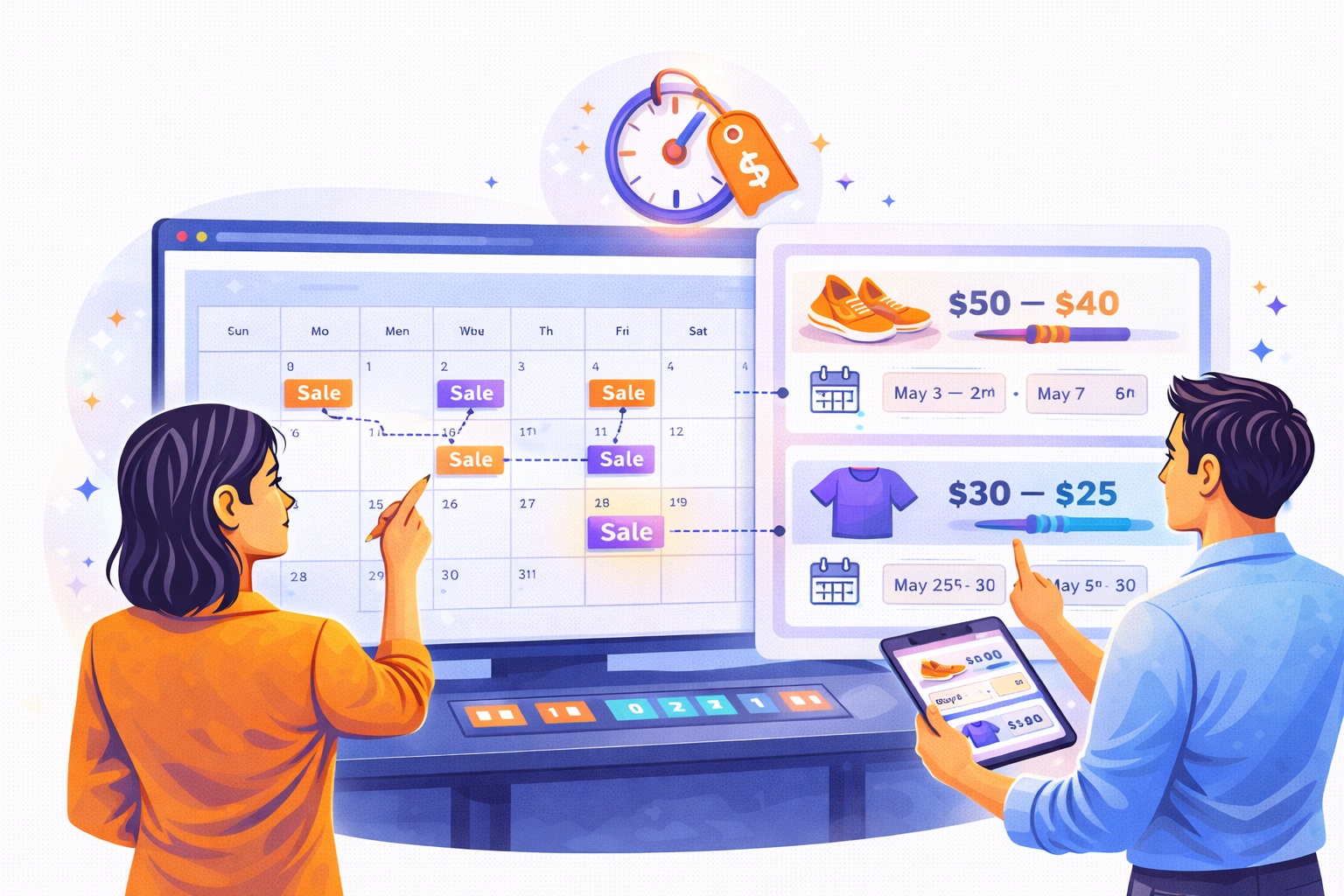
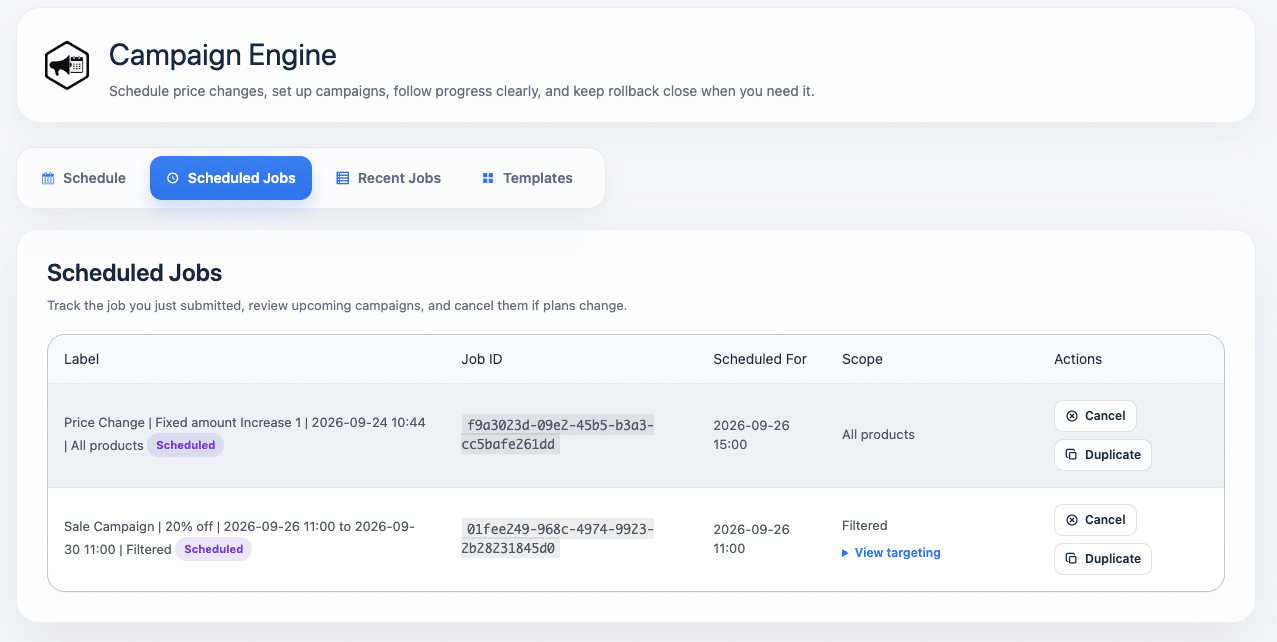
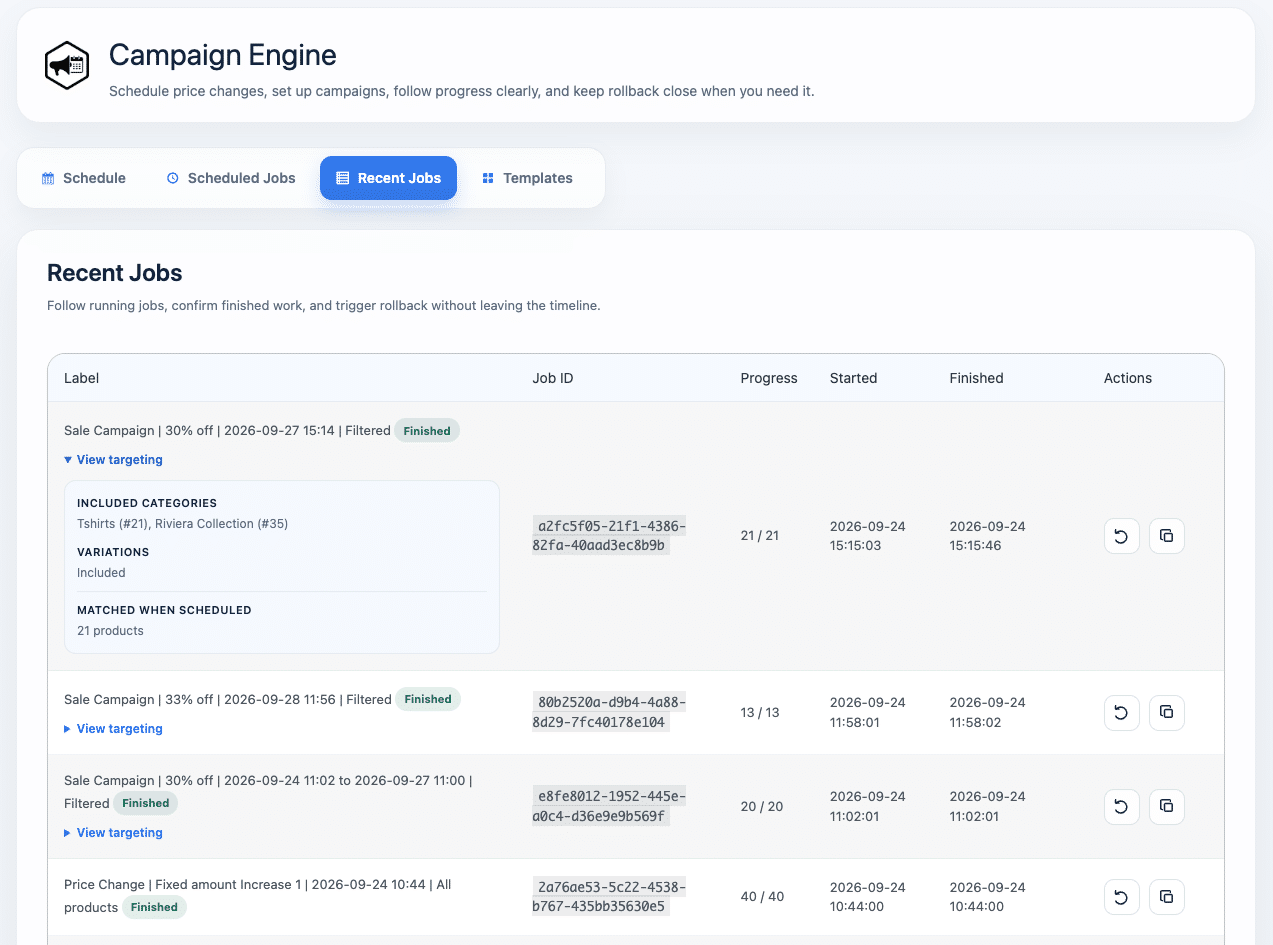
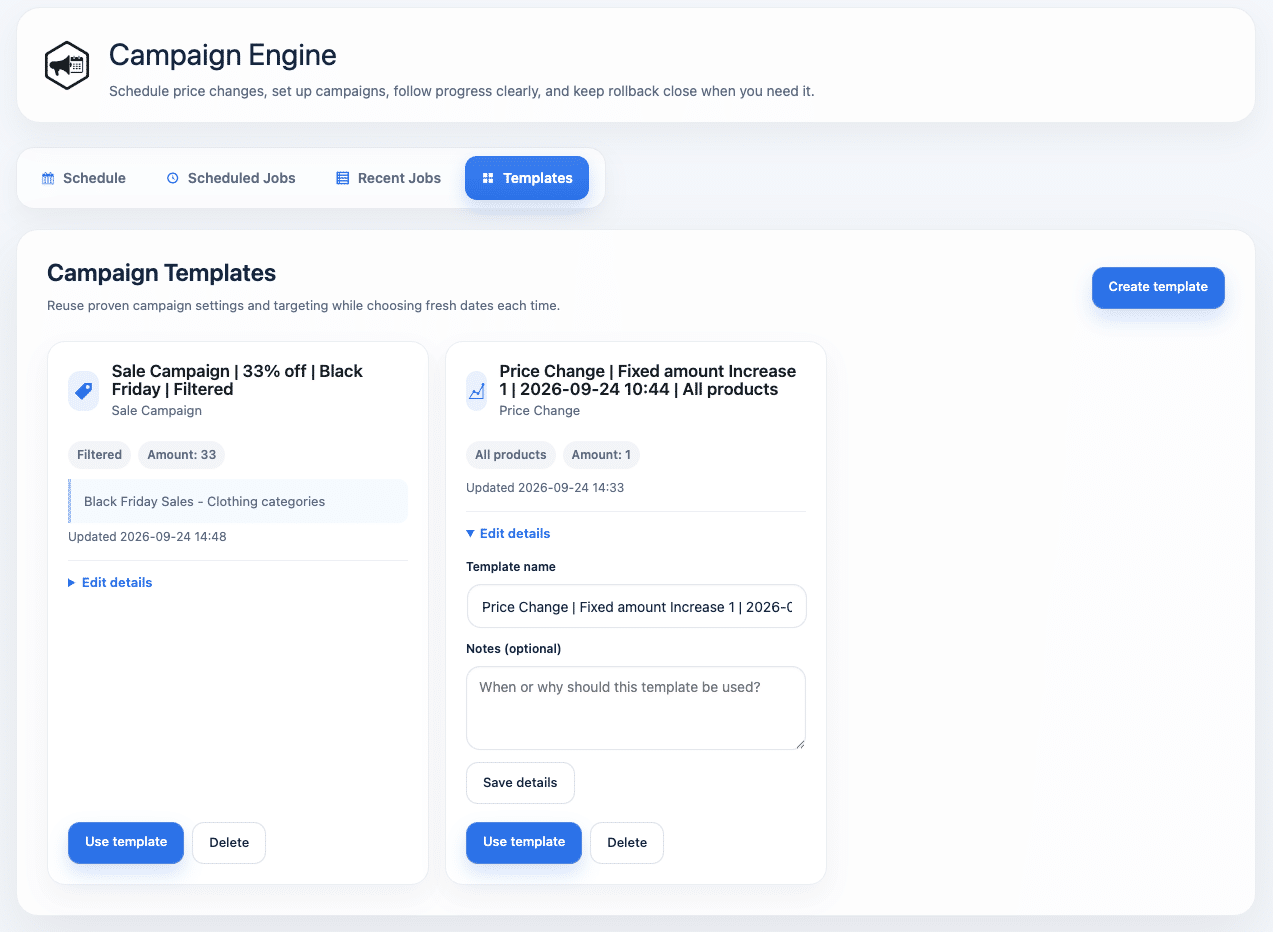
Schedule price increases, discounts, and sale campaigns — then let Campaign Engine run them safely in the background, with built-in checks and rollback when you need it.
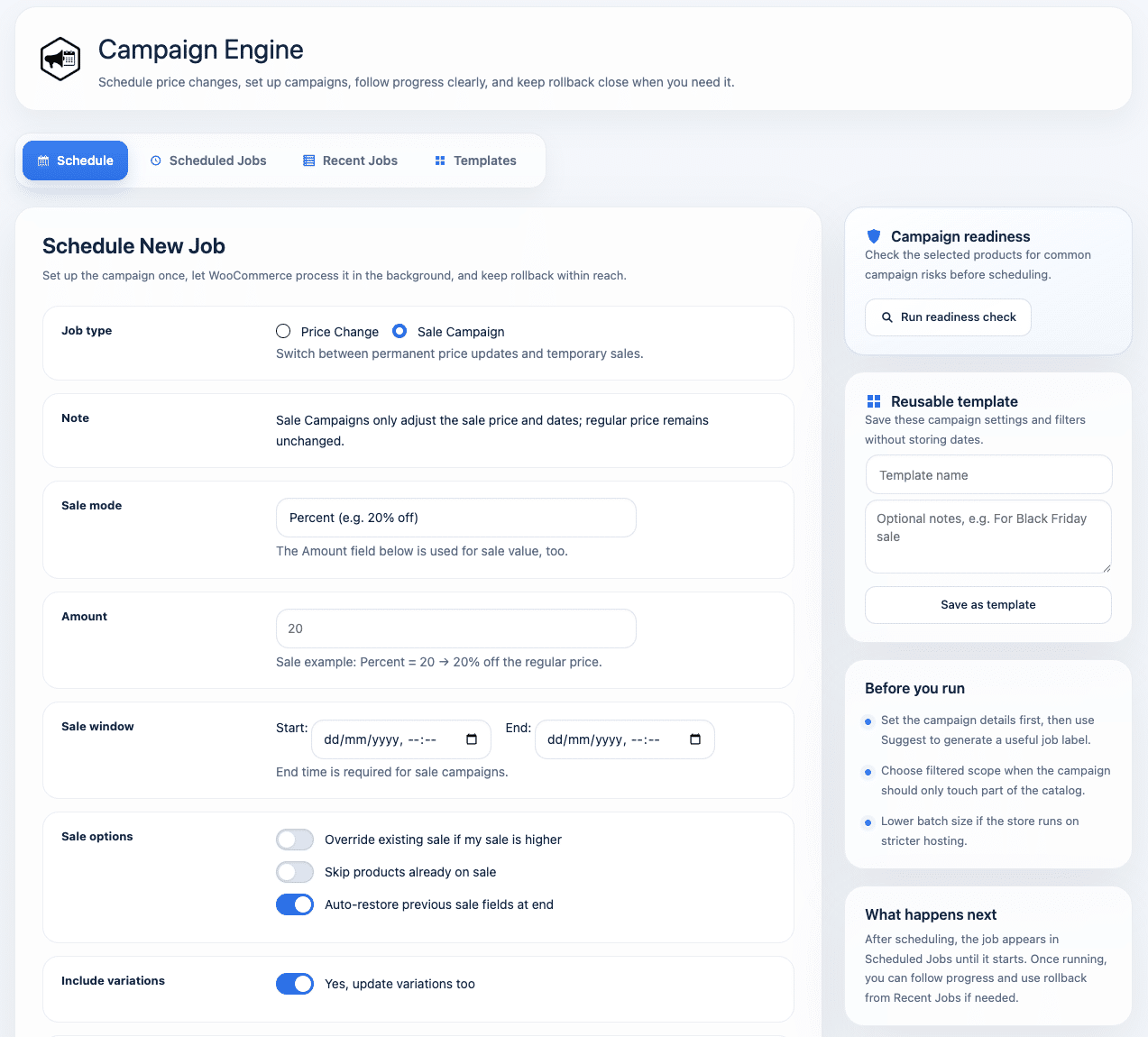
Campaign Engine handles large-scale WooCommerce price changes in the background, so you can schedule campaigns, protect existing sale prices, and restore previous values when a campaign ends.
Before you schedule a campaign, Campaign Engine checks the products you’ve selected and shows you what to expect.
See how many products and variations will be affected, compare current and estimated price ranges, and identify potential issues before a single price is changed.
✓ Preview matched products and variations
✓ Compare current and estimated price ranges
✓ Detect existing sales and missing prices
✓ Flag products that could reach zero
✓ Spot out-of-stock products and other potential issues
✓ Review real product examples behind each warning
Once scheduled, Campaign Engine handles the work in the background using WooCommerce’s Action Scheduler.
Follow progress as it runs, cancel when needed, and rely on per-job backups if you ever need to undo a change.
✓ Run immediately or schedule for later
✓ Process large product selections in controlled batches
✓ Monitor live job progress
✓ Cancel scheduled or active jobs
✓ Automatically restore previous sales when campaigns end
✓ Roll back individual jobs with one click
Documentation
| Without Campaign Engine | With Campaign Engine |
|---|---|
| Manual price edits and bulk updates | ✓ Schedule campaigns and price changes in advance |
| Unclear which products will actually be affected | ✓ Preview the campaign scope before scheduling |
| Pricing problems discovered during or after a campaign | ✓ Detect potential issues before prices are changed |
| Large updates depend on a browser session | ✓ Process updates safely in background batches |
| Prices and sales need to be restored manually | ✓ Restore previous sale pricing automatically |
| Pricing mistakes can be difficult to undo | ✓ Roll back individual jobs with one click |
From your biggest sales event to everyday price adjustments, Campaign Engine gives you the same controlled workflow every time.
Black Friday & Seasonal Sales
Prepare discounts in advance, check the affected products, and automatically restore previous pricing when the campaign ends.
Clearance Campaigns
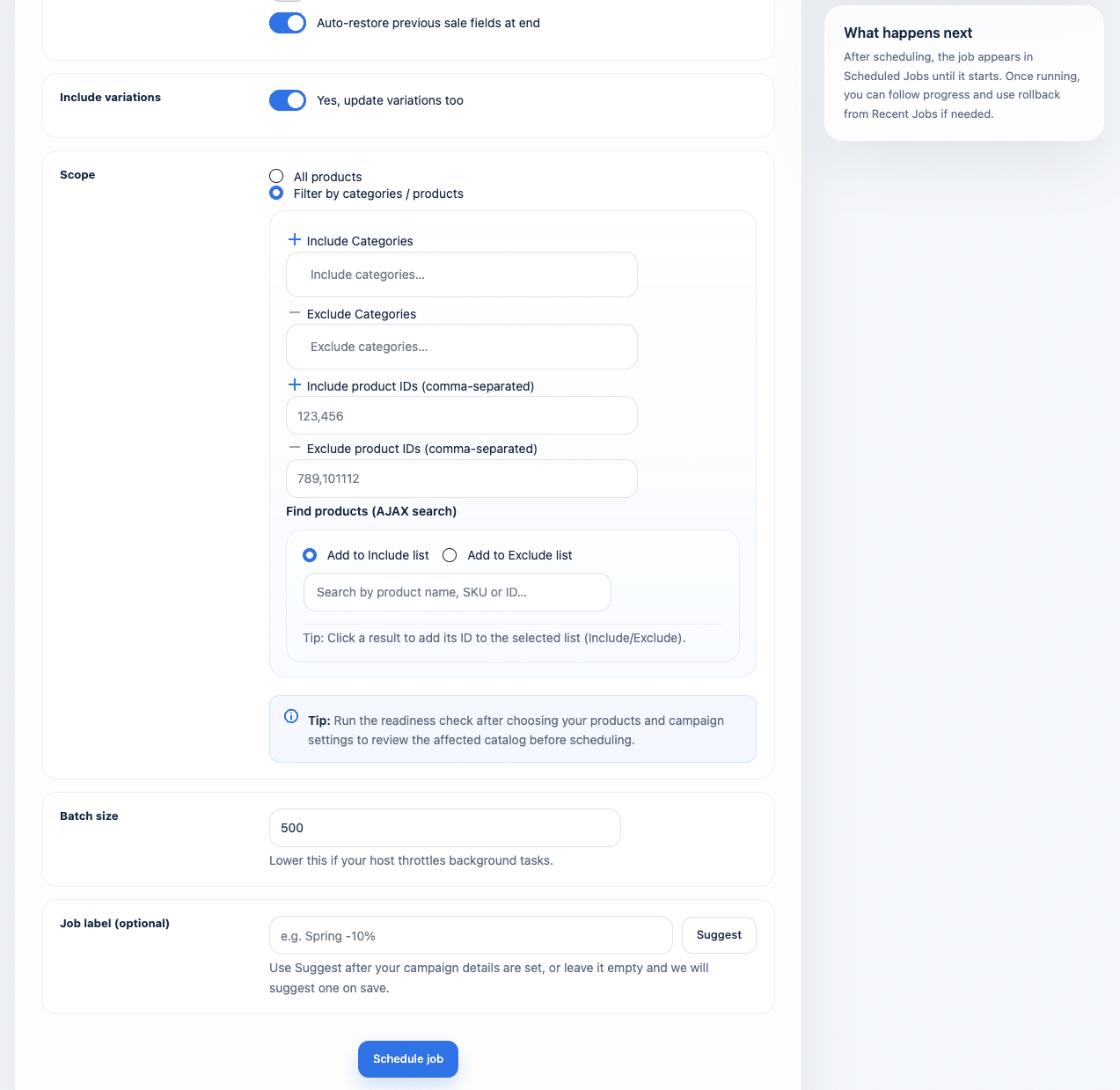
Target specific categories or products without changing the rest of your catalog.
Store-wide Price Adjustments
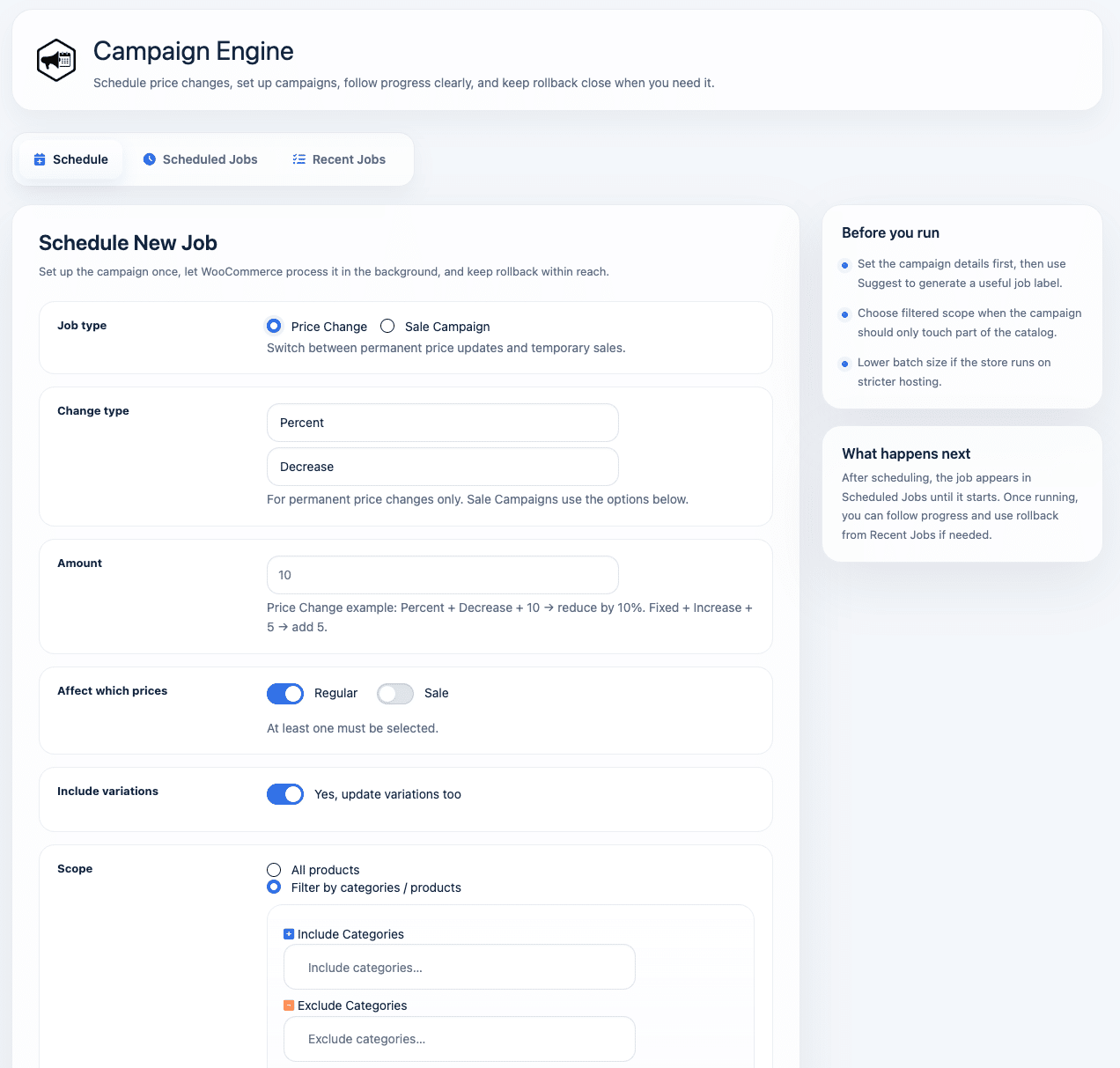
Increase or decrease prices across large product catalogs using percentages or fixed amounts.
Supplier Price Changes
Schedule price adjustments ahead of time and apply them to exactly the products affected.
Category & Product Campaigns
Run focused promotions using category, product and variation targeting with exclusions when needed.
Repeat Campaigns
Duplicate previous jobs or save campaign setups as templates, so successful campaigns don’t have to be rebuilt from scratch.
Every plan includes the complete Campaign Engine feature set. Choose based on the number of stores you want to activate it on.
14-day free trial. No credit card required.
No credit card required.
Install it on your store, run a readiness check, preview your first campaign, and see exactly what Campaign Engine will change before you schedule it.
14-day free • No credit card • Cancel anytime
Campaign Engine is built for planned and scheduled price changes. But sometimes you just want to open your catalog, make a lot of changes, and see everything in one place.
That’s where Bulk Table Editor for WooCommerce comes in.
Edit prices, stock, SKUs, descriptions and more in a fast, spreadsheet-style interface directly inside WooCommerce.
Many stores use both plugins:
Bulk Table Editor — for hands-on bulk editing across your product catalog
Campaign Engine — for planned campaigns, scheduled price changes, automatic restoration and rollback
Together, they give you two ways to manage a large catalog: edit it directly when you need to, or schedule changes to happen automatically.