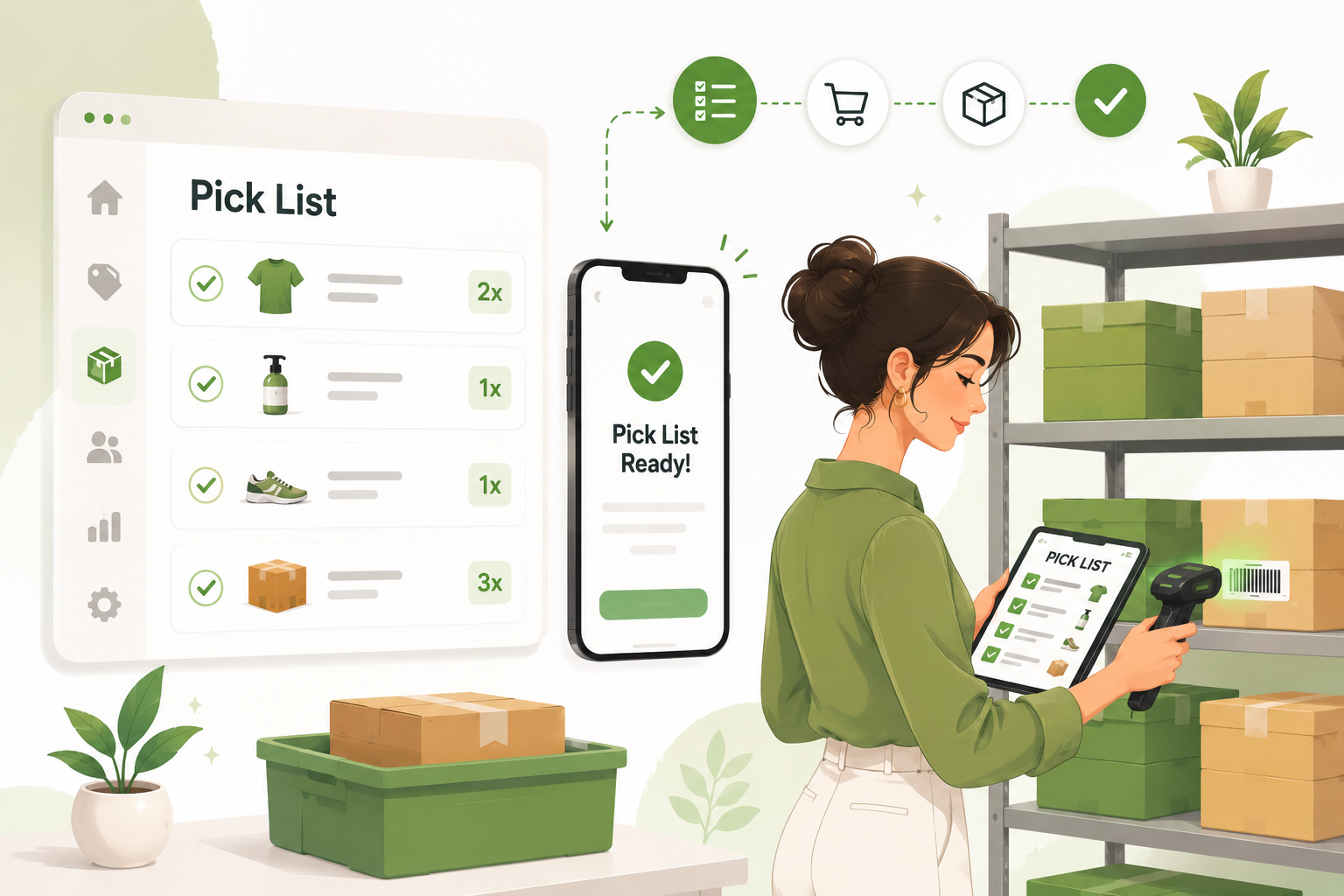
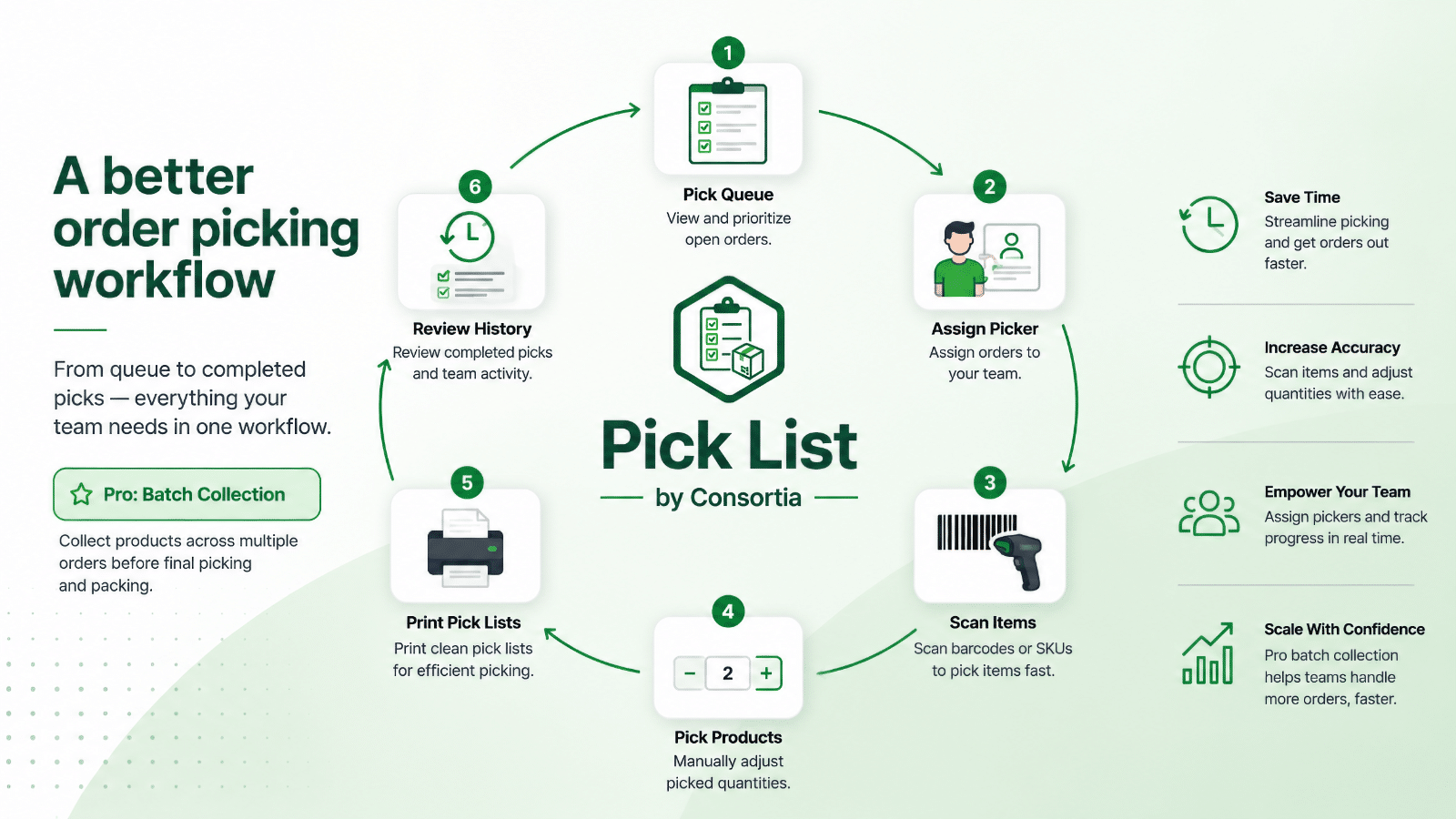
Pick List for Shopify helps you pick, pack and prepare orders faster, with fewer mistakes and less stress. Create digital and printable pick lists, scan barcodes or SKUs for accuracy, assign pickers, track progress, and collect products across multiple orders with batch picking. Built for both small shops and busy fulfillment teams, Pick List gives you a clear workflow from order queue to packed order, with mobile-friendly views, pick history, batch history, and flexible settings that adapt to the way your team works.
Shopify creates and manages your orders.
Pick List helps your team pick and prepare them efficiently.
Pick List adds a practical picking workflow on top of Shopify, so your team always knows:
Use it for digital picking, barcode scanning, printed pick lists, and batch collection, without losing visibility in the Shopify order workflow.
Who Pick List Is For
Who It’s Probably Not For
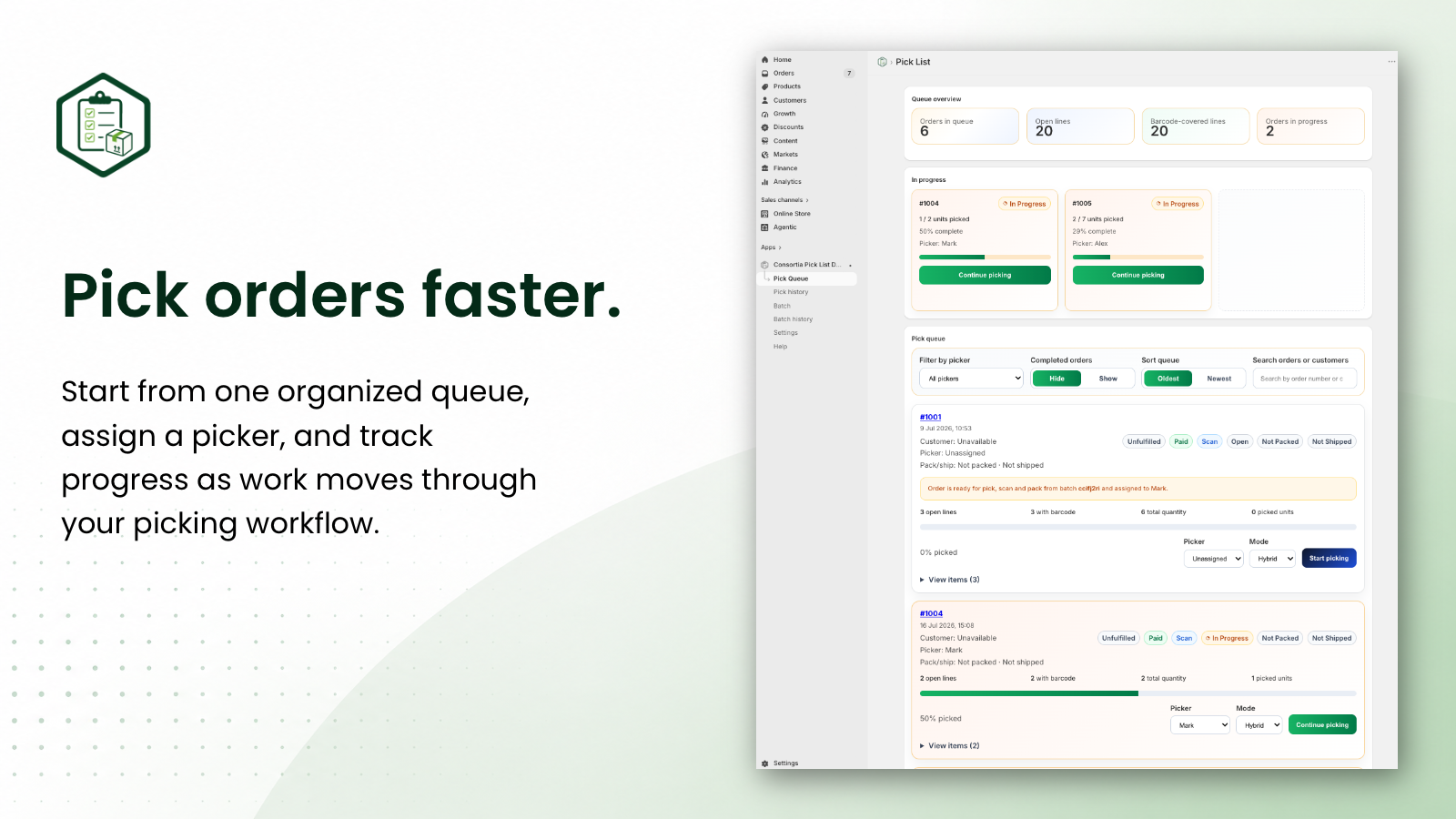
Start every picking workflow from a clear order queue. View open orders, search by order or customer, filter by assigned picker, see in-progress status, and continue picking exactly where your team left off.
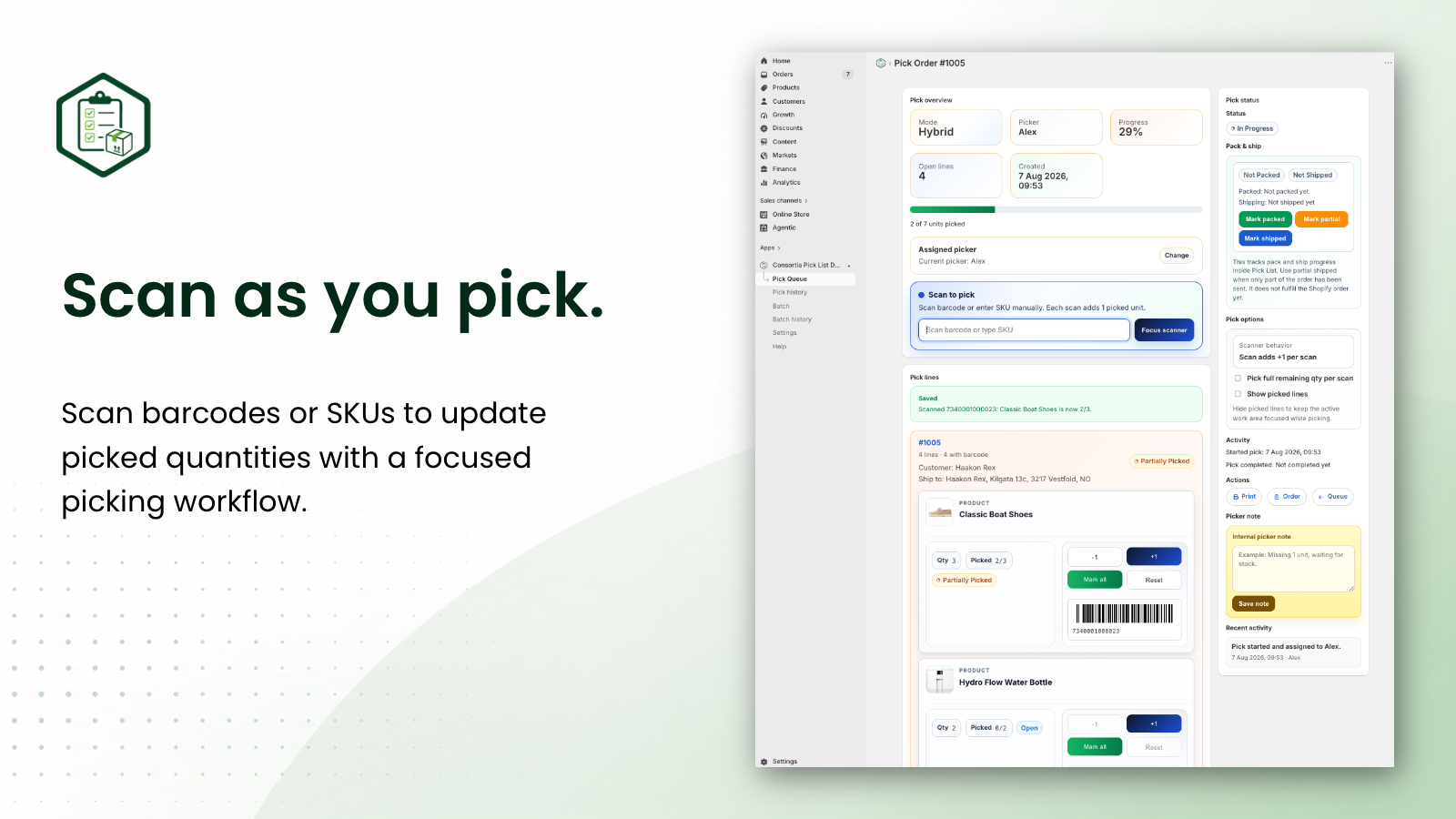
Pick each order manually or with barcode/SKU scanning. Assign a picker, view customer and shipping details, track progress, add internal picker notes, print pick lists, and keep a full activity history for better team visibility.
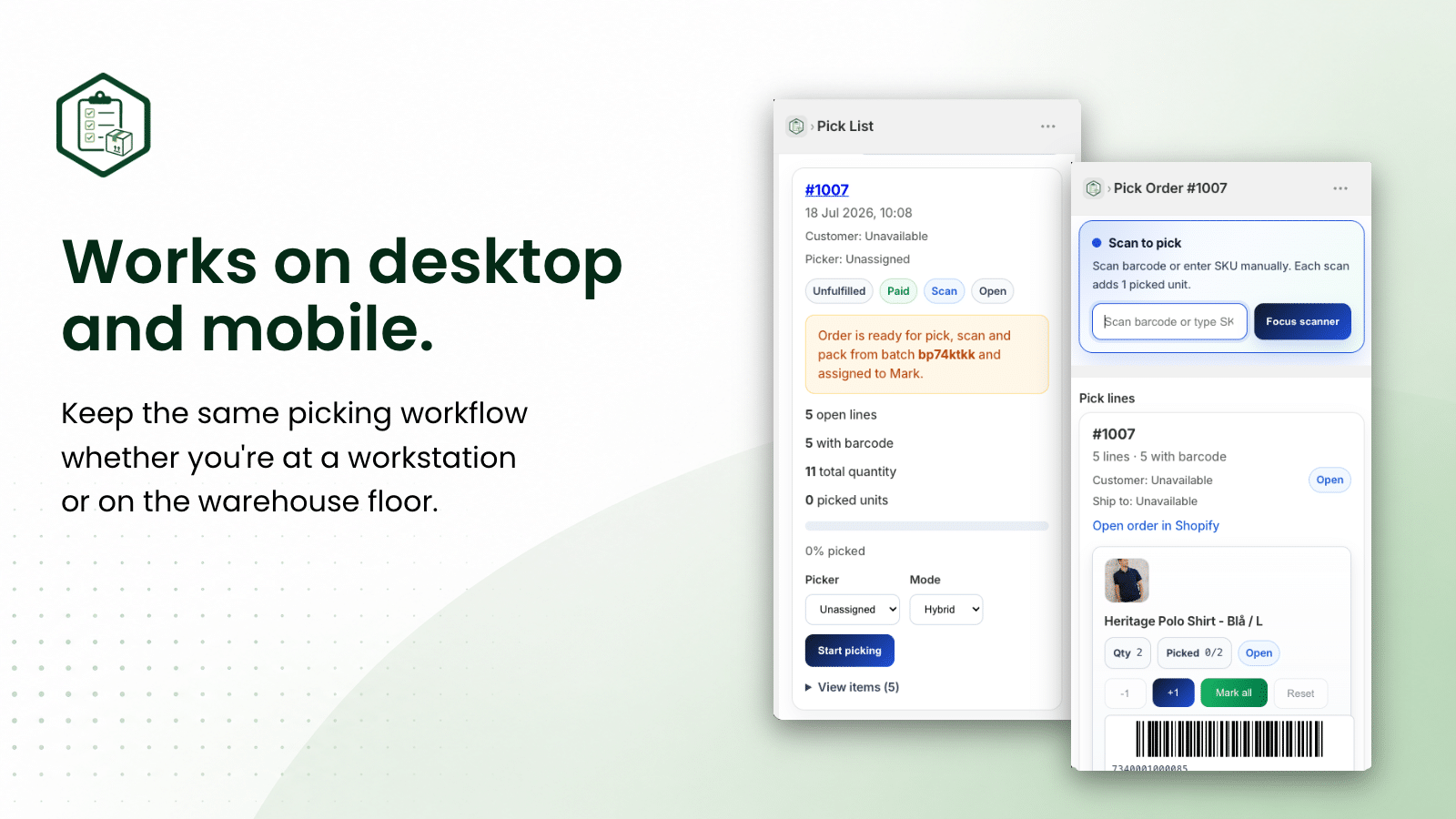
Reduce picking mistakes with fast scan-to-pick workflows. Pick one unit per scan or mark all matching units as picked, with instant success/fail feedback and scanner-friendly input controls.
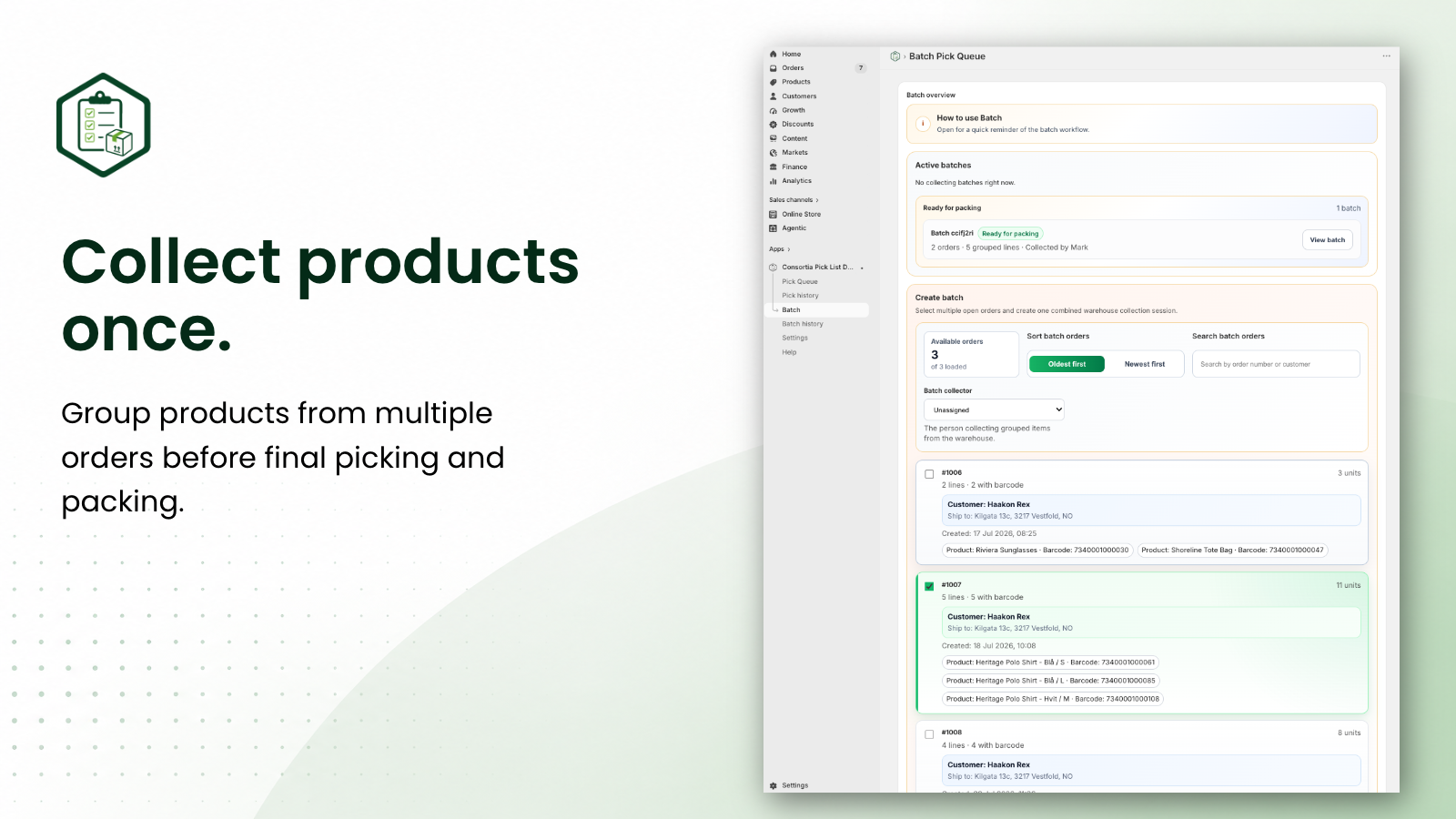
Collect products for multiple orders in one efficient batch workflow. Group matching items across orders, scan or manually collect products, assign a batch picker, and move ready orders to packing with less back-and-forth.
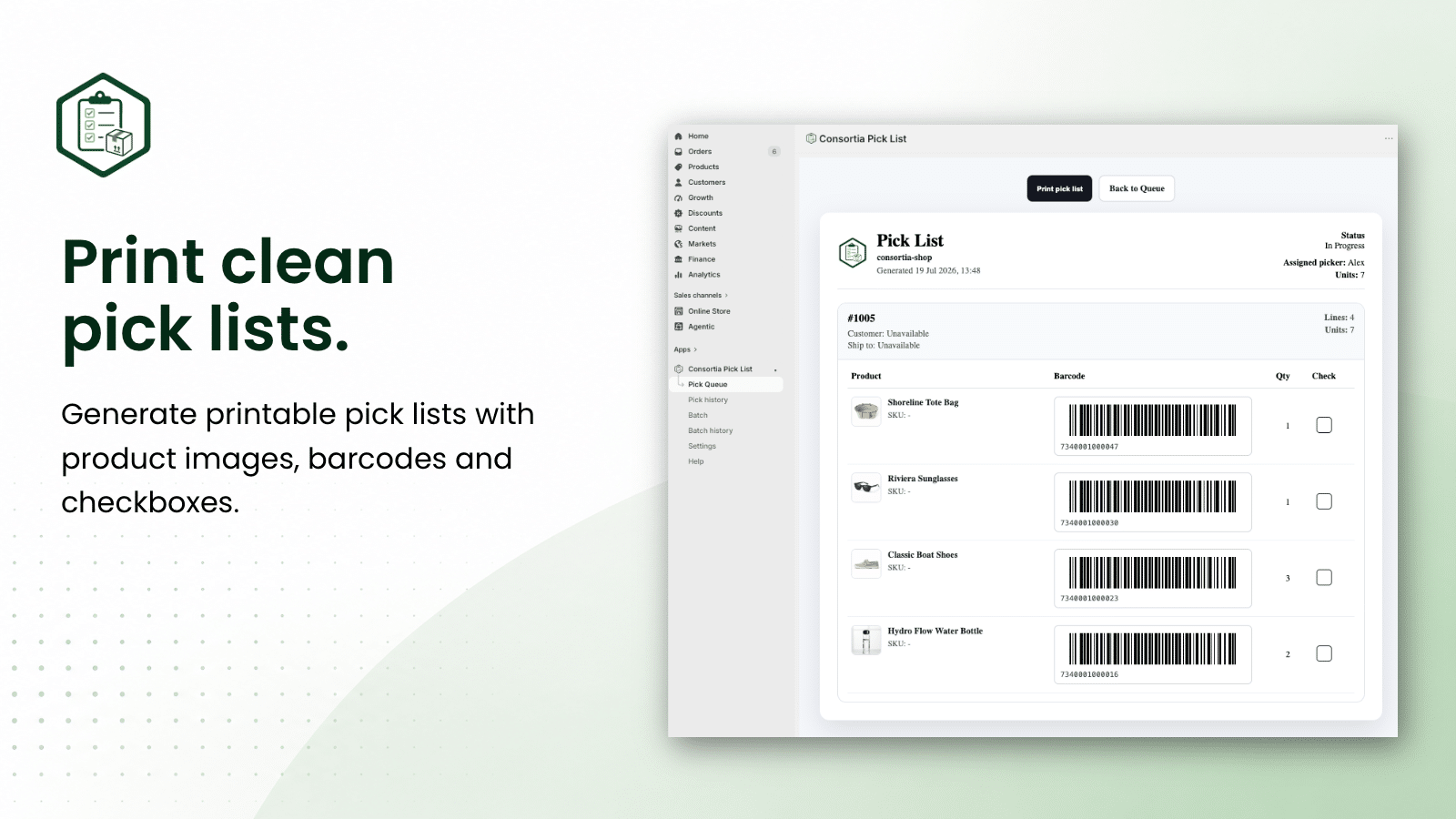
Create clean printable pick lists for single orders or batch workflows. Include product details, quantities, barcodes, customer/shipping information, and your store logo for a practical paper-based picking backup.
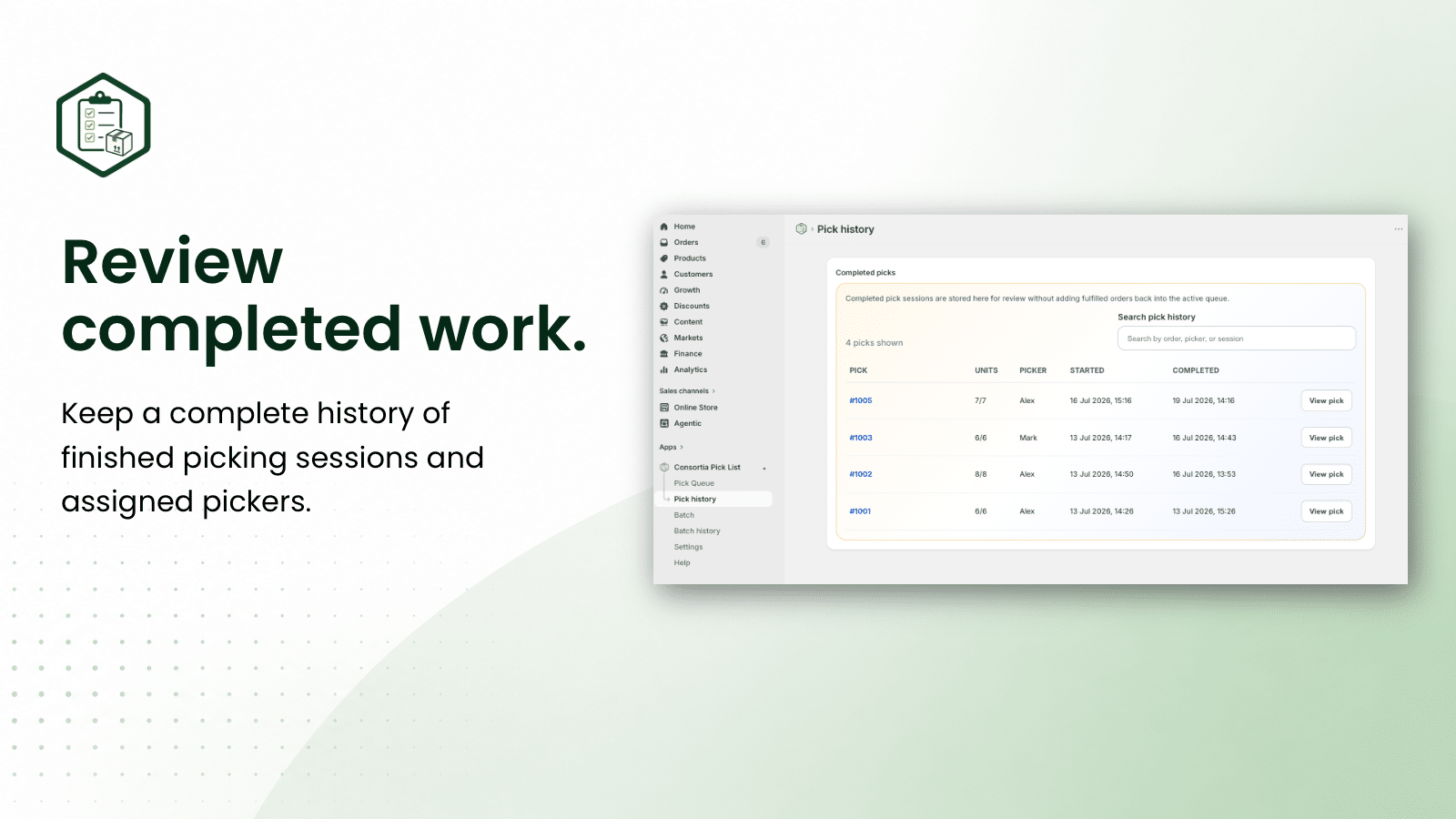
Review completed pick sessions and batch collections after the work is done. Quickly see what was picked, who handled it, and when it happened, making it easier to follow up on packing questions or team workflows.
Add Pick List directly to the Shopify order page. View pick status, assign a picker, start or continue picking, and print a pick list without leaving the order details screen.
Assign orders and batches to specific team members or picker stations. This makes it easier to see who is working on what and keeps responsibilities clear during busy fulfillment periods.
Use Pick List on tablets, scanners, and mobile devices while moving through your store or warehouse. The interface is designed for practical on-screen picking, not just desktop administration.
Adjust Pick List to match the way your team works. Configure pickers, visual themes, scanner sounds, queue size, order date range, printed logo, and whether completed lines should be hidden while picking.
Consortia Pick List is available exclusively through the Shopify App Store, giving you a secure installation flow, Shopify-managed billing, automatic app updates, and support from the Consortia team.
Simple Monthly Pricing
Start with Standard from $19/month, or choose the Batch plan if your team needs batch picking and advanced team workflows.
Save with Annual Billing
Save when choosing yearly billing instead of monthly billing.