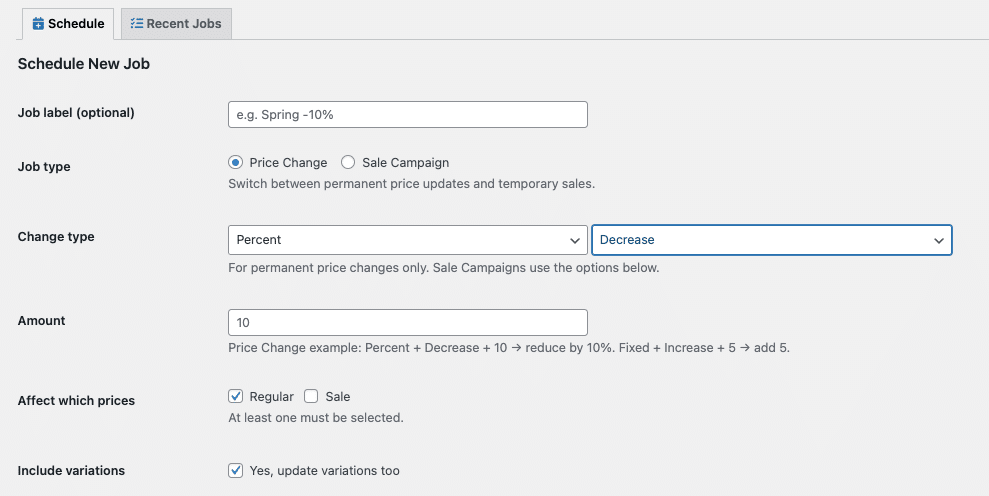
Plan promotions, schedule price increases, and run campaigns automatically — with built-in safety, rollback, and background processing.
Campaign Engine runs updates in the background, keeps your promotions on schedule, and ensures nothing breaks — even in stores with 100k+ products.
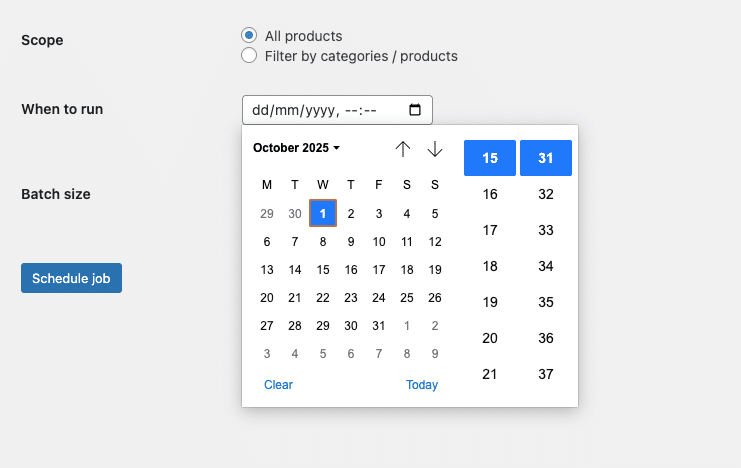
✓ Schedule price increases or discounts in advance
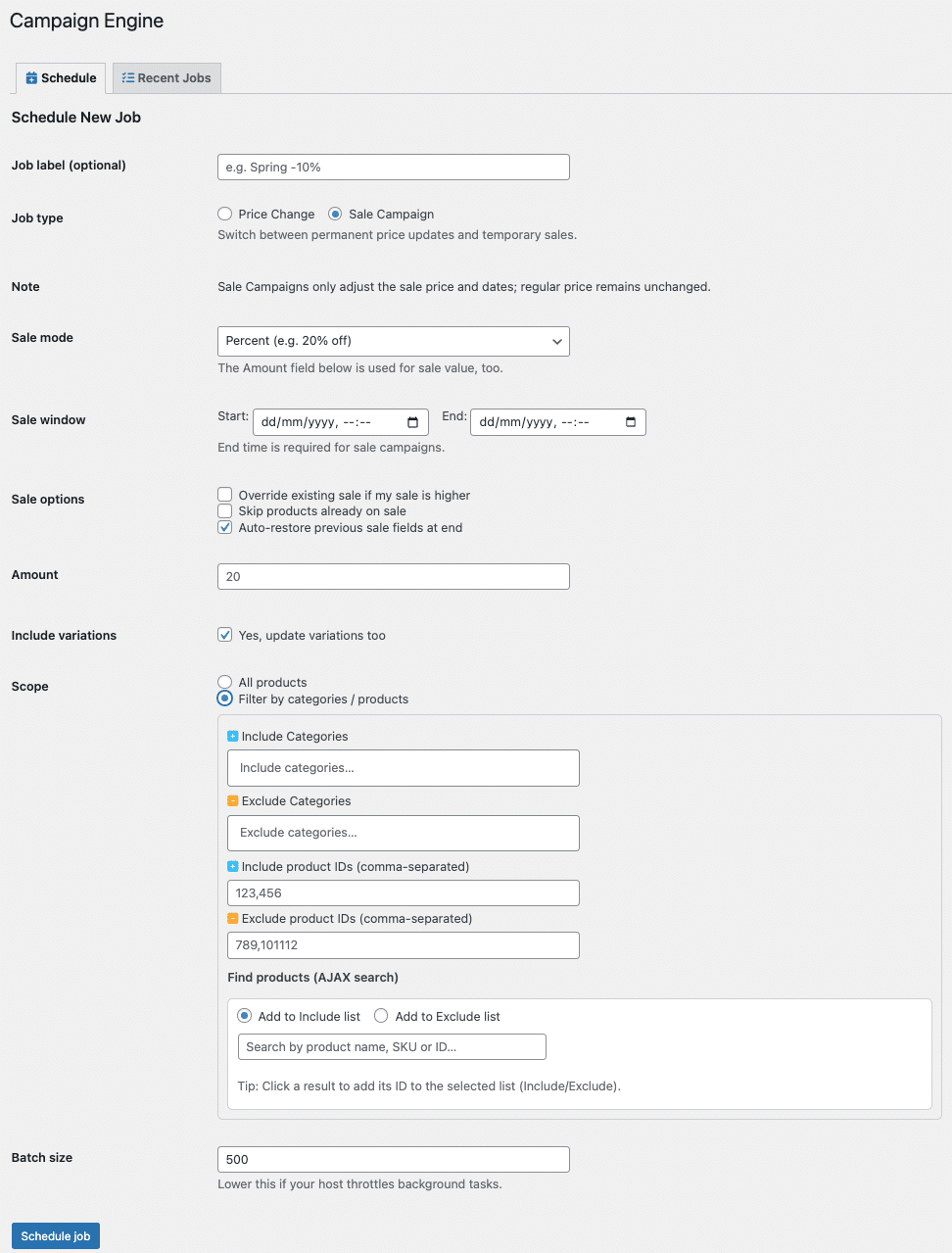
✓ Protect existing sale prices with smart override logic
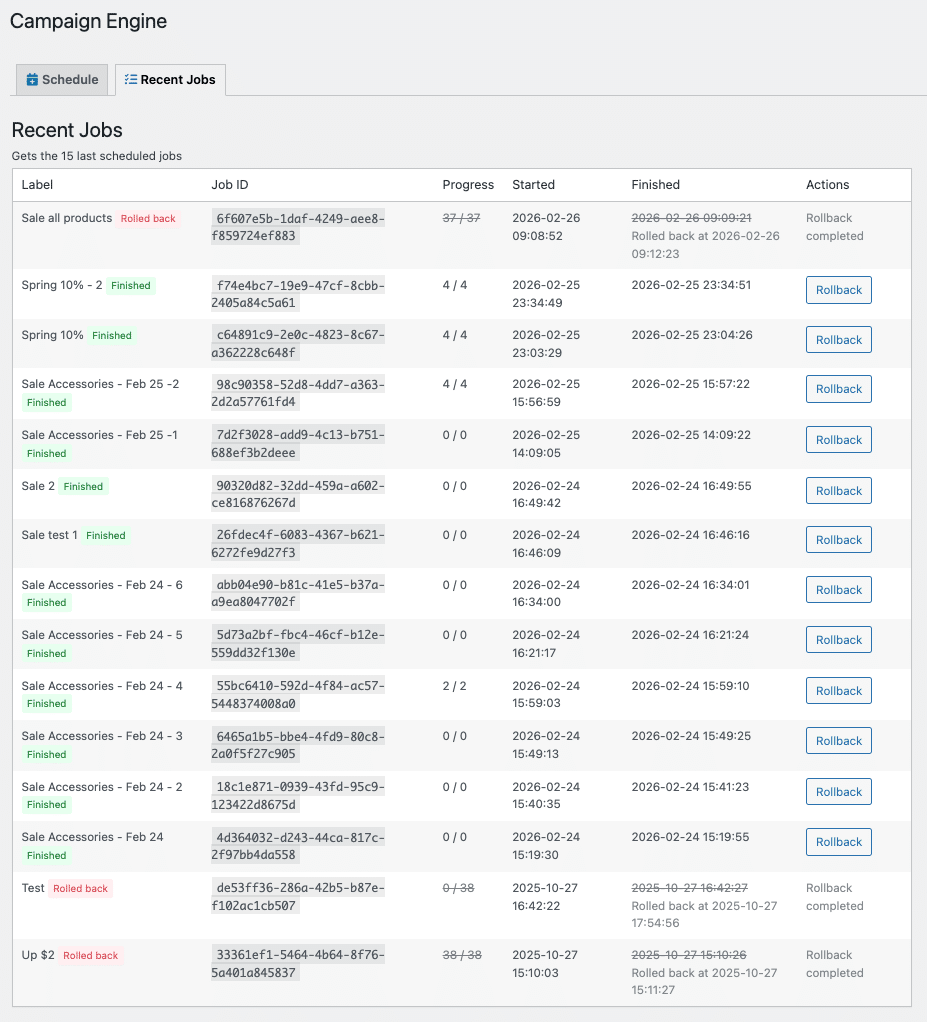
✓ Instantly roll back any job with full audit tracking
The Problem
Managing promotions or adjusting thousands of prices manually is slow, risky, and error-prone. A single mistake can damage margins, break campaigns, or leave products discounted longer than intended.
The Solution
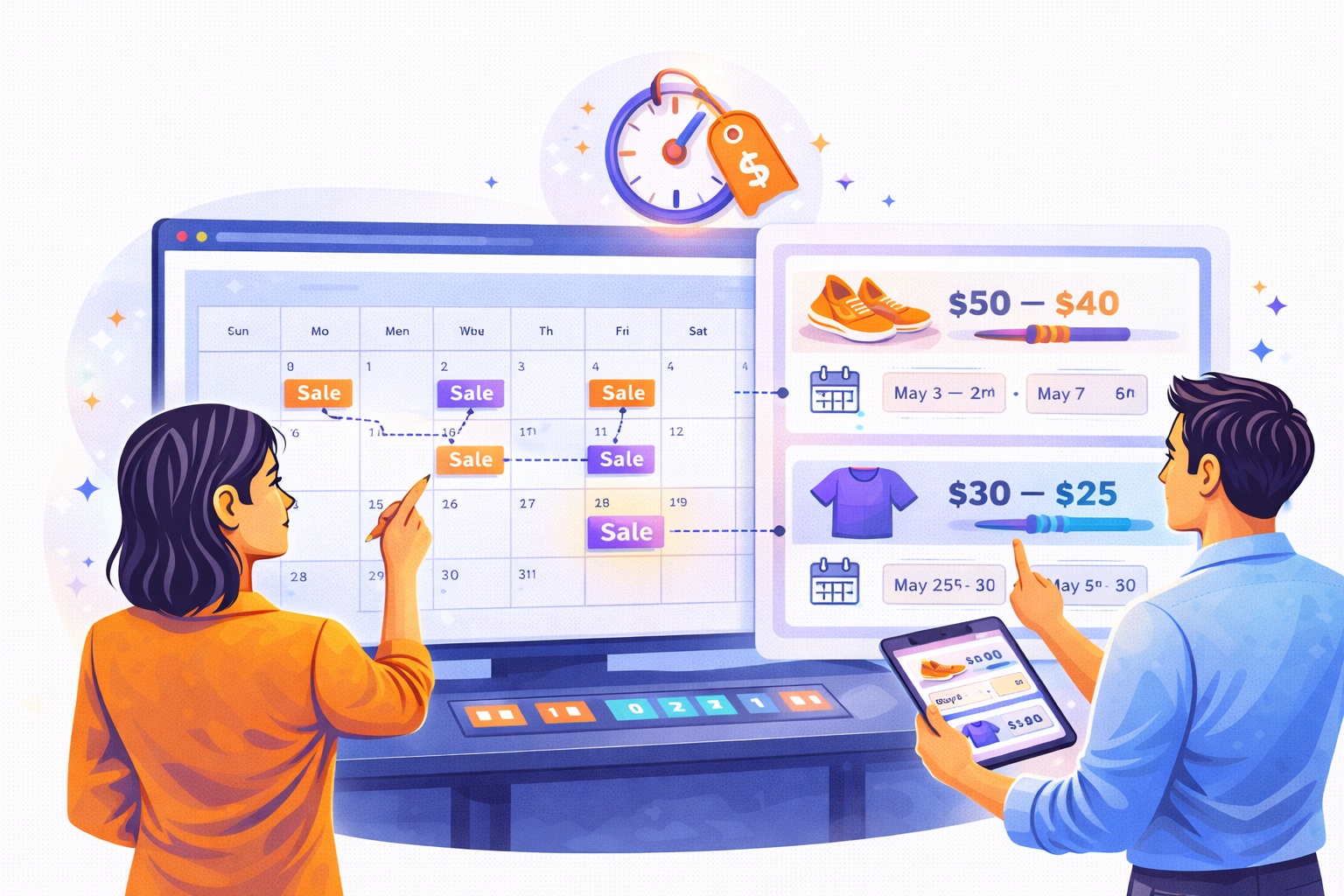
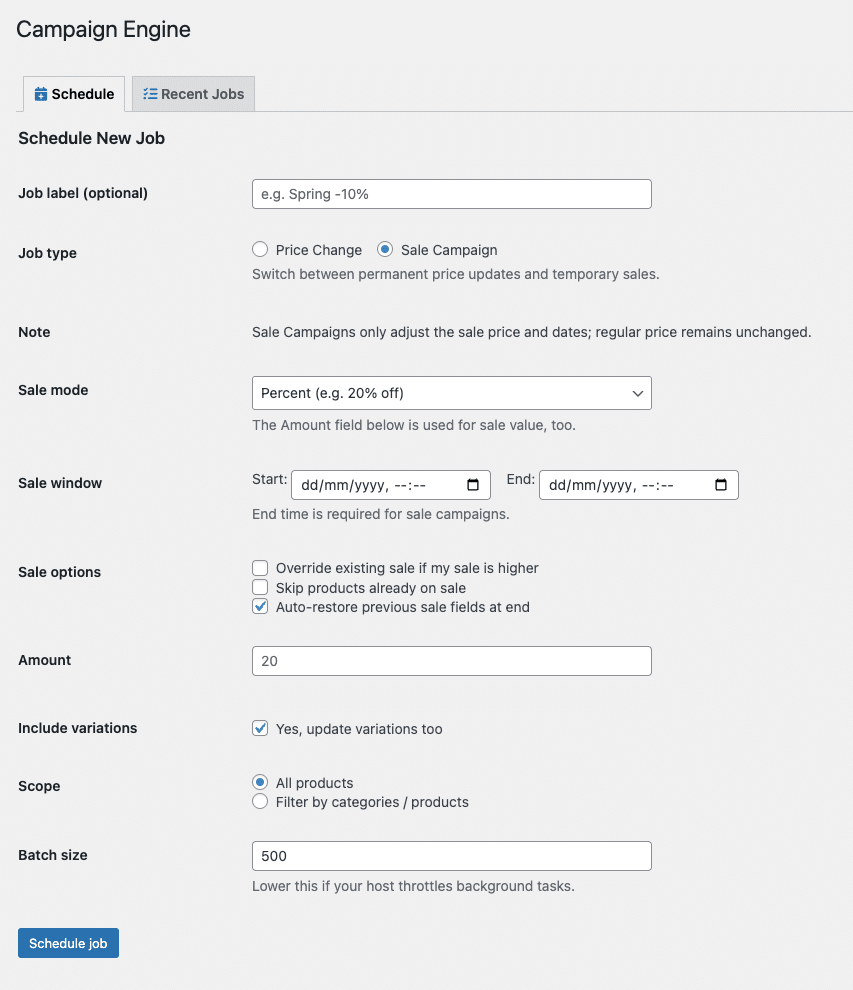
Campaign Engine automates bulk pricing changes with precise timing, background processing, and safe rollback. You define the rules. The system executes them — reliably.
Benefits
Use Cases
Requirements
WooCommerce 7+ (Includes Action Scheduler)
WordPress 6+
PHP 7.4+
Documentation
| Without Campaign Engine | With Campaign Engine |
|---|---|
| Manual price edits across hundreds of products | Schedule once — run automatically |
| Sales depend on daily WooCommerce cron | Precise start and end times |
| Pricing mistakes damage margins | Safe changes with instant rollback |
| No batch processing | Background processing at scale |
| No visibility or job history | Full campaign audit log |
All plans include safe rollbacks, background processing, and a 14-day free trial.
No credit card required.
Test it on your store, schedule your first campaign, and see how easy price management can be.
14-day free • No credit card • Cancel anytime
If you also want a spreadsheet-style editor where you can bulk edit prices, stock, SKUs, descriptions and more, take a look at our Bulk Table Editor for WooCommerce.
Many store owners use the two plugins together:
Using both gives you full control — manual edits when you want them, automation when you need them.